


Picture this. You run a small import business in Dhaka. Your supplier is in Chattogram. Your accountant works from home in Sylhet. And your biggest client just messaged you — they want a video call in 30 minutes.
You scramble. The app crashes. The link doesn’t work. The meeting never happens.
Sound familiar? This is the reality for thousands of Bangladeshi businesses every single day.
Choosing the right online meeting software Bangladesh businesses actually need can save you time, money, and a lot of embarrassment. So let’s fix that today.
Quick Answer
The best online meeting tools for businesses in Bangladesh are Zoom, Google Meet, and Microsoft Teams. These three platforms work well on Bangladesh’s internet infrastructure, support mobile data connections, and offer free or affordable plans. For small teams, Google Meet is the easiest to start with. For large enterprises, Microsoft Teams offers the most complete solution.
Why Most Bangladeshi Businesses Pick the Wrong Tool
Here’s the truth nobody talks about. A tool that works perfectly in the US or Europe may struggle on a 10 Mbps broadband connection in Mirpur or Narayanganj.
You need a tool that:
- Works smoothly on mobile data (Grameenphone, Robi, Banglalink)
- Handles low-bandwidth connections without freezing
- Supports local payment methods or local distributors
- Offers a free or low-cost plan for small businesses
- Is easy to use without technical training
Keep these five filters in mind as you read through the options below.

The 8 Best Online Meeting Tools for Bangladeshi Businesses
1. Zoom — The Most Popular Choice in Bangladesh
Think of Zoom as the “rickshaw” of online meetings in Bangladesh — everyone knows it, everyone uses it, and it just works.
Why Bangladeshi businesses love it:
- Runs well on standard broadband and 4G mobile data
- Free plan supports 40-minute meetings for up to 100 people
- Available through local distributors like Alpha Net and IT Nut Hosting — no international credit card needed
- Cloud recording, screen sharing, and breakout rooms included
Best for: Client presentations, team meetings, webinars, online training sessions
| Feature | Free Plan | Paid Plan |
| Meeting Duration | 40 minutes | Unlimited |
| Participants | 100 | Up to 1,000 |
| Cloud Recording | No | Yes |
| Starting Price | Free | ~BDT 1,400/month |
Pros:
- Most widely recognized brand in Bangladesh
- Excellent mobile app performance
- Easy for non-technical users
Cons:
- Free plan cuts off at 40 minutes — awkward in long meetings
- Paid plan requires payment planning for local businesses
2. Google Meet — Best Free Tool for Small Teams
If Zoom is the rickshaw, Google Meet is the CNG — simple, no-fuss, and gets you where you need to go.
You only need a Gmail account to start. No downloads. No setup. Just share a link and meet.
Why it works well in Bangladesh:
- Completely browser-based — no app installation required
- Works on low-bandwidth connections surprisingly well
- Free with any Google account
- Integrates with Google Drive, Docs, and Calendar — all in one place
Best for: Startups, freelancers, NGOs, educational institutions, ad-hoc team calls
Pros:
- 100% free for basic use
- No time limit with Google Workspace accounts
- Live captions help with language barriers
Cons:
- Needs a stable Google Workspace plan for advanced features
- Limited customization compared to Zoom
Real-life example: A Dhaka-based freelance graphic designer uses Google Meet for all client calls. “I just send a link. My clients don’t need to download anything. It never fails,” she says.
3. Microsoft Teams — Best for Corporate & Enterprise Use
If your office already uses Microsoft 365 — Word, Excel, Outlook — then Microsoft Teams is your natural home base.
It is not just a video conferencing platform. It is a full business communication software hub. Chat, call, share files, edit documents together — all in one place.
Why enterprises in Bangladesh choose it:
- Deeply integrated with Office 365 tools
- Persistent chat channels keep project conversations organized
- Trusted by government agencies and large corporations
- Free version available; paid starts at a low monthly rate
Best for: Garment factories, banks, telecom companies, government agencies, large corporations
Pros:
- All-in-one communication and collaboration
- Strong security and compliance features
- Excellent for managing remote teams across multiple locations
Cons:
- Can feel complex for first-time users
- Heavier on system resources than Google Meet
4. Cisco Webex — Best for High-Security Meetings
Does your business handle sensitive financial data or confidential client information? Then Cisco Webex deserves your attention.
It offers enterprise-grade encryption — the highest level of data protection among mainstream video conferencing platforms available in Bangladesh.
Best for: Banks, insurance companies, law firms, multinational corporations
Key features:
- AI-powered background noise removal
- Built-in polling and Q&A tools
- End-to-end encryption for all meetings
- Supports very large virtual events
Pros:
- Most secure option on this list
- Professional webinar features included
- Reliable performance on corporate networks
Cons:
- Expensive compared to Zoom or Google Meet
- Overkill for small businesses or freelancers
5. Slack — Best for Remote Team Collaboration
Slack is less of a meeting tool and more of a remote team collaboration tool that happens to support video calls.
Think of it as your team’s digital office. Instead of sending emails back and forth, your team chats in organized channels — by project, by department, by client.
Best for: Tech startups, digital agencies, remote-first companies, software development teams
Key features:
- Organized channels replace cluttered email threads
- Quick huddle calls with one click
- Integrates with 2,000+ apps including Zoom, Google Drive, and Trello
- Searchable message history
Pros:
- Dramatically reduces internal email
- Excellent for asynchronous communication across time zones
- Free plan is quite generous
Cons:
- Not ideal as a standalone video conferencing tool
- Free plan limits message history to 90 days
6. Zoho Meeting — Best Budget Option for SMBs
Small business owner watching your budget carefully? Zoho Meeting gives you solid virtual meeting tools for businesses at a fraction of the cost of Zoom or Teams.
Why it suits Bangladeshi SMBs:
- Affordable pricing — one of the cheapest paid options
- Built-in webinar registration and analytics
- No downloads needed — fully browser-based
- Part of the wider Zoho business suite (CRM, HR, Accounts)
Best for: Small businesses, e-commerce stores, coaching businesses, product demos
Pros:
- Very cost-effective
- Built-in webinar tools without extra fees
- Good analytics and reporting
Cons:
- Smaller user community than Zoom or Teams
- Fewer third-party integrations
7. Skype — Best for One-on-One Calls
Skype may feel like an old friend — and honestly, for simple one-on-one calls, it still does the job well.
Many Bangladeshi freelancers use Skype to communicate with international clients, especially in Europe and North America, where Skype remains popular.
Best for: Freelancers, individual consultants, international client communication
Pros:
- Free for individual use
- Works on very low internet speeds
- Familiar interface that clients abroad already use
Cons:
- Losing ground to Zoom and Teams for business use
- Limited features for group meetings
8. Jitsi Meet — Best Free & Open-Source Option
Want a completely free, no-account-needed video call tool? Jitsi Meet is your answer.
It is open-source, secure, and requires zero sign-up. Just create a room name, share the link, and start meeting.
Best for: NGOs, community organizations, privacy-conscious users, developers
Pros:
- 100% free — forever
- No account required for participants
- Open-source with strong privacy standards
- Can self-host for complete data control
Cons:
- Less polished interface than commercial tools
- No dedicated customer support
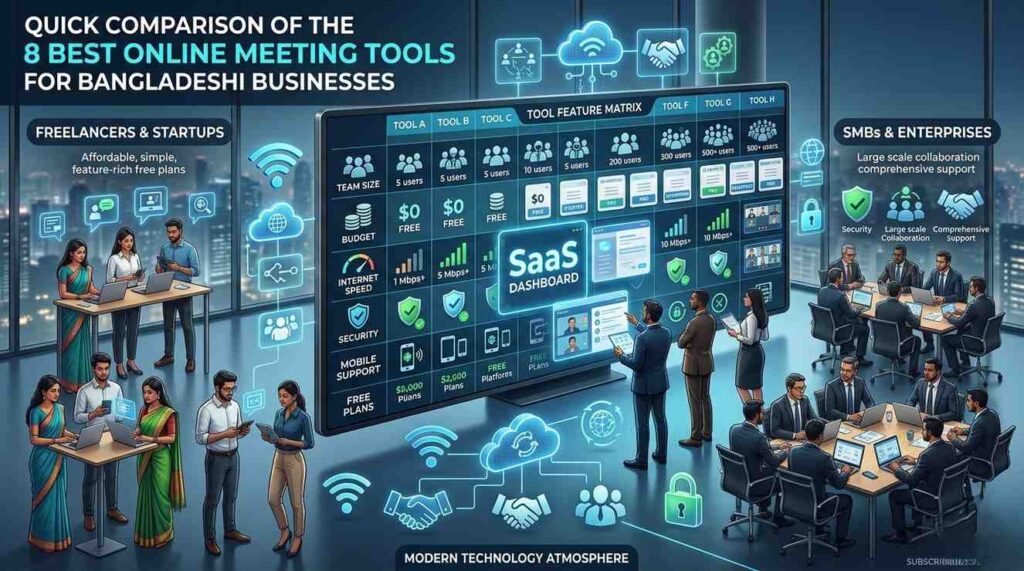
Quick Comparison Table: All 8 Tools at a Glance
| Tool | Best For | Free Plan | Mobile App | Bangladesh Payment |
| Zoom | All businesses | Yes (40 min) | Yes | Local distributors |
| Google Meet | Small teams | Yes | Yes | Google account |
| Microsoft Teams | Enterprises | Yes | Yes | Microsoft partners |
| Cisco Webex | High security | Yes (limited) | Yes | Enterprise contracts |
| Slack | Remote teams | Yes | Yes | International card |
| Zoho Meeting | SMBs | Yes | Yes | International card |
| Skype | Freelancers | Yes | Yes | Free |
| Jitsi Meet | NGOs/Privacy | Yes (always) | Yes | Free |
How to Choose the Right Tool: A Simple 3-Step Guide
Not sure where to start? Follow these three steps.
Step 1: Know your team size
- 1–5 people → Google Meet or Skype (free and simple)
- 6–50 people → Zoom or Zoho Meeting
- 50+ people → Microsoft Teams or Cisco Webex
Step 2: Check your internet situation
- Mobile data only → Google Meet or Zoom (best low-bandwidth performance)
- Office broadband → Any tool on this list works
- Need high security → Cisco Webex or Microsoft Teams
Step 3: Set your budget
- Zero budget → Google Meet, Jitsi Meet, or Skype
- Small budget (under BDT 2,000/month) → Zoho Meeting or Zoom free plan
- Flexible budget → Microsoft Teams or Zoom Pro
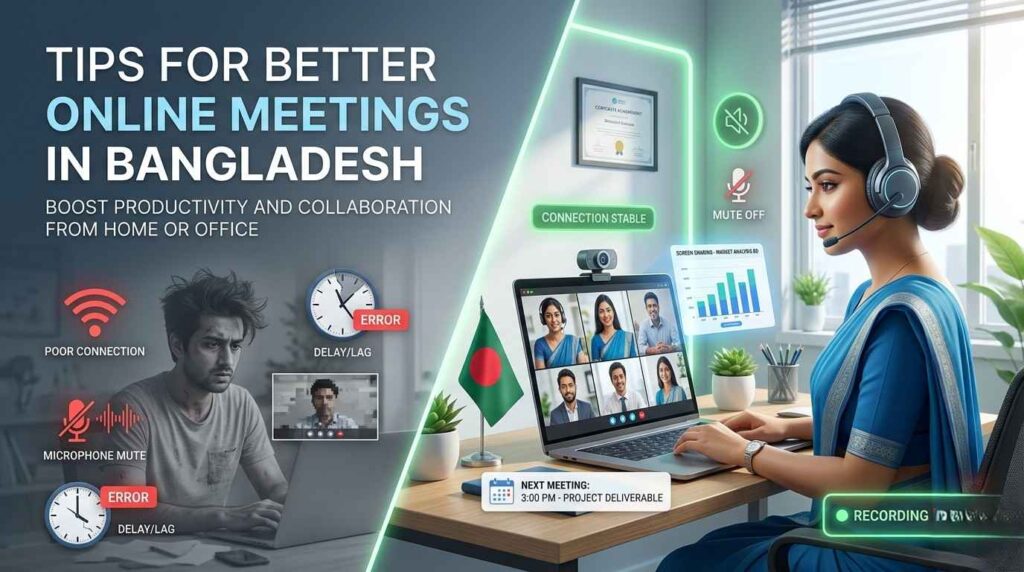
Tips for Better Online Meetings in Bangladesh
These small habits make a big difference:
- Test your connection before every important meeting
- Use headphones to reduce background noise — especially in open offices
- Turn on video when possible. It builds trust with clients.
- Share your screen instead of sending files back and forth
- Record important meetings so absent team members can catch up
- Schedule meetings during off-peak hours (avoid 9–10 AM when networks are busiest)
Frequently Asked Questions (FAQs)
Which online meeting tool is best for freelancers in Bangladesh?
Google Meet is the top choice. It is free, needs no downloads, and works well on mobile data.
Can I buy Zoom in Bangladesh without an international credit card?
Yes. Local distributors like Alpha Net and IT Nut Hosting sell Zoom subscriptions in Bangladesh.
Which tool works best on slow internet in Bangladesh?
Google Meet and Zoom both perform well on low-bandwidth connections. Jitsi Meet is also a good free option.
Is Microsoft Teams free to use in Bangladesh?
Yes. Microsoft Teams has a free version. Paid plans start at a low monthly rate through Microsoft’s local partners.
What is the best free video conferencing platform for small businesses?
Google Meet is the best free option for small businesses. It supports up to 100 participants with no time limit on paid Google Workspace plans.
Is Zoom safe to use for business meetings in Bangladesh?
Yes. Zoom uses AES 256-bit encryption. For higher security needs, consider Cisco Webex or Microsoft Teams.
Can I host a webinar using these tools?
Yes. Zoom, Zoho Meeting, and Cisco Webex all support webinar hosting with registration pages and analytics.
Important Reads For Bangladeshi Freelancer:
How to Buy ChatGPT Premium in Bangladesh Safely
Key Takeaways
Here is everything you need to remember:
- Google Meet = Best free tool for small teams and freelancers
- Zoom = Most popular all-rounder with local payment options
- Microsoft Teams = Best for enterprises already using Microsoft 365
- Cisco Webex = Best for high-security business meetings
- Slack = Best for remote team collaboration (not just meetings)
- Zoho Meeting = Best budget option for SMBs
- Jitsi Meet = Best completely free and private option
The best online meeting tools for businesses in Bangladesh are not just about video quality. They are about reliability, local accessibility, and ease of use for your specific team.
Start with Google Meet if you are just getting started. Upgrade to Zoom or Teams as your business grows. And always test your tool before an important client call — your professionalism depends on it.
Have a question about online meeting tools in Bangladesh? Drop it in the comments below!


